
Megastore Tidy Up Together Difficulty Modes Explained
What difficulty actually changes, which settings affect achievement tracking, and how to approach each mode.
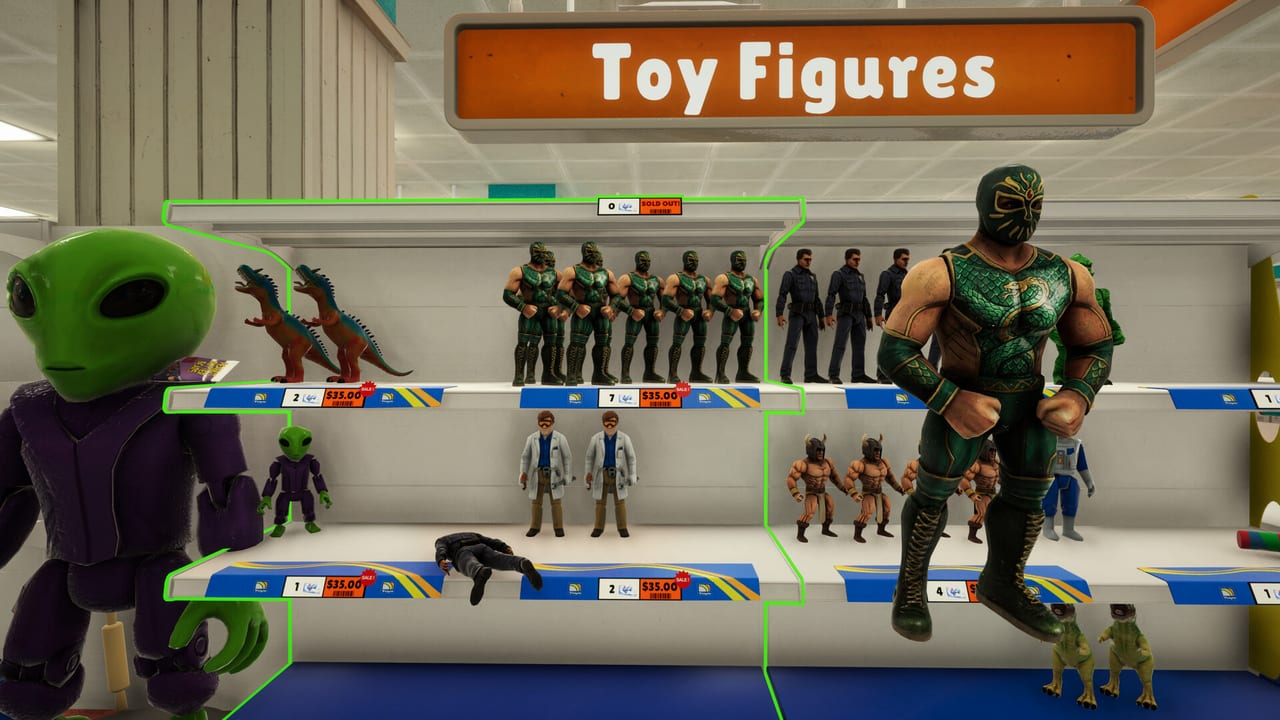
Megastore: Tidy Up Together offers difficulty settings that affect how cluttered and scattered products appear in each store. This page explains what each difficulty level changes, which settings influence achievement conditions, and how to choose the right mode for your goals.
Yolo Games Studio released the Steam Windows build on 2 September 2026. Difficulty settings are available from the main menu before entering any store. Changes apply to the current session only and do not affect the base game loop of matching products to shelf bays.
Difficulty Levels Overview
Casual Mode
Casual mode reduces the scatter density of products across the store. Fewer items appear on floors and in unexpected locations. Shelf bays are less densely packed, making individual product identification easier.
This mode is recommended for first-time players who want to learn the matching system without the pressure of high-density clutter. Achievement progress functions normally in Casual mode. No-skills achievements, time trial achievements, and placement count achievements all track correctly.
Normal Mode
Normal mode represents the standard clutter density Yolo Games Studio designed around. Products appear in realistic scattered patterns across floors, on fixtures, and in unexpected locations. Shelf bays are densely packed.
This is the intended experience for most players. Normal mode is the reference point for all skill tier rankings and strategy recommendations on this wiki. Time trial achievements use Normal mode as their baseline difficulty reference.
Hardcore Mode
Hardcore mode increases floor scatter density significantly. Products appear in locations that are harder to access, including behind fixtures, inside equipment housings, and in occlusion positions that require Unstuck Product recovery more frequently.
Hardcore mode does not affect the skill tree, achievement tracking, or product matching logic. It purely increases search and recovery time. The store checklist is particularly useful in Hardcore because product density makes it easy to miss entire sections.
What Difficulty Does Not Change
Difficulty settings do not affect:
Product matching logic: Green highlights, auto-sort in hand, and shelf type requirements are identical across all difficulty levels. Difficulty does not make Product Highlight fire incorrectly or add fake shelf types.
Skill tree and abilities: All HUD tools function identically regardless of difficulty. Magnet-style pull, flashlight, and other tools do not change effectiveness.
Achievement tracking: All 33 Steam achievements track normally across Casual, Normal, and Hardcore modes. No achievement is locked to a specific difficulty level.
Store layout and shelf counts: The physical map, department positions, and total shelf counts remain constant. Difficulty affects scatter density, not structural layout.
Timer and time trial achievements: Time trial windows (Toy Store Tornado at 3 hours solo, for example) use Normal mode as the reference point. Casual mode may make these easier to achieve due to reduced search time. Hardcore mode does not adjust the time window.
Choosing a Difficulty for Your Goals
Learning the Game
Start with Casual mode. The reduced scatter density gives new players space to focus on the core loop without feeling overwhelmed. Spend your first Toy Store session in Casual learning department signs, product families, and the carry stack system.
Achievement Hunting
Normal mode is the standard reference. Time trial achievements are designed around Normal density. No-skills runs benefit from Normal mode because the search challenge is part of the achievement purpose.
Skill Tree Testing
Use any difficulty. Skill effectiveness does not vary with difficulty level. Testing Long Reach, Stack Capacity, or magnet-style pull in Casual mode gives accurate data about how these abilities perform in other modes.
Cooperative Play
Difficulty settings apply per-session, not per-player. If the host sets Hardcore mode, all players in that session experience Hardcore density. Coordinate with your co-op partner before entering a store to ensure everyone is prepared for the scatter density.
Difficulty and the No-Skills Achievement
The no-skills achievement (No Training Wheels for Toy Store, Old-School Stocker for Supermarket, Megastore Minimalist for Megastore) tracks completion without using any active skills. Difficulty does not affect this tracking. Hotfix 1.0.1 on 3 September 2026 repaired the achievement tracking system.
In Hardcore mode, no-skills runs are significantly more challenging because product search time increases with scatter density. Plan additional session time for Hardcore no-skills attempts. The ESC pause after 1.0.1 is particularly valuable in Hardcore no-skills runs because it allows thoughtful search without timer pressure.
Session-Specific Difficulty Notes
Toy Store (3,555 items, 297 shelves)
Toy Store scatter in Hardcore mode creates pile concentrations in Pretend Play, seasonal areas, and checkout lanes. The yoyo, foam V, and basketball last items appear in their standard positions but require more Unstuck Product usage to recover from occlusion.
Supermarket (7,934 items, 487 shelves)
Grocery density in Hardcore mode is highest in fresh produce and bakery sections. Long sight lines that work in Normal mode may hide products in Hardcore. Increase flashlight usage in low-visibility areas.
Megastore (13,380 items, 978 shelves)
The two-story layout compounds Hardcore scatter. Products on upper floor in Hardcore mode can land in positions that require Long Reach or the crate tool more frequently. Escalator pile accumulation is more severe in Hardcore because more products are displaced from their intended locations.
Quick Reference
| Mode | Scatter | Recommended For | Affects Achievements |
|---|---|---|---|
| Casual | Low | First playthrough, learning | No |
| Normal | Standard | Most players, achievement hunting | No |
| Hardcore | High | Challenge seekers, no-skills veterans | No |
Difficulty is a per-session choice. You can replay any store in any difficulty level without affecting save files or achievement tracking. Switch modes between runs to vary the experience.
Frequently Asked Questions
Quick answers to the most common questions.
Does difficulty affect achievement tracking?
No. All 33 Steam achievements track normally across Casual, Normal, and Hardcore modes. Difficulty does not lock or alter any achievement condition.
Which difficulty is best for first-time players?
Casual mode. Reduced scatter density lets new players focus on learning department signs, product families, and the carry stack system without being overwhelmed.
Can I use skills in no-skill achievements?
No. No Training Wheels, Old-School Stocker, and Megastore Minimalist require completing the store without activating any active skills. Difficulty does not affect tracking. Hotfix 1.0.1 repaired this system.
Does difficulty change store layout or product count?
No. Store layout, department positions, and total item counts are identical across all difficulties. Difficulty only affects scatter density and product occlusion.
Can co-op partners set different difficulty levels?
No. Difficulty is a session setting determined by the host. All players in a session experience the same scatter density.
Which difficulty is recommended for time trial achievements?
Normal mode is the reference for time trial windows. Casual mode may make trials easier due to reduced search time. Hardcore does not adjust the timer; use Normal for consistent achievement conditions.